Business process automation services

Business process automation for recurring work

We map the real process, remove unnecessary steps, and connect the systems that remain. Routine cases move on their own. Exceptions reach a person.

Workflow map

A connected operating process

  1. 01
    Event starts the process

    A sale, approval, file, or scheduled time creates work.

  2. 02
    Data is checked

    Required fields and business rules are validated.

    Automated
  3. 03
    Systems are updated

    Records, tasks, files, and notifications move together.

    Automated
  4. 04
    Exception gets an owner

    Unusual cases arrive with the facts needed to act.
What we build

Fix the handoffs that create the backlog

Most process delays sit between tools and teams. A sale closes, but somebody still copies details into a project board. An invoice arrives, but finance waits for a manager to find the matching order. A report is due, but its owner spends Monday collecting six exports.

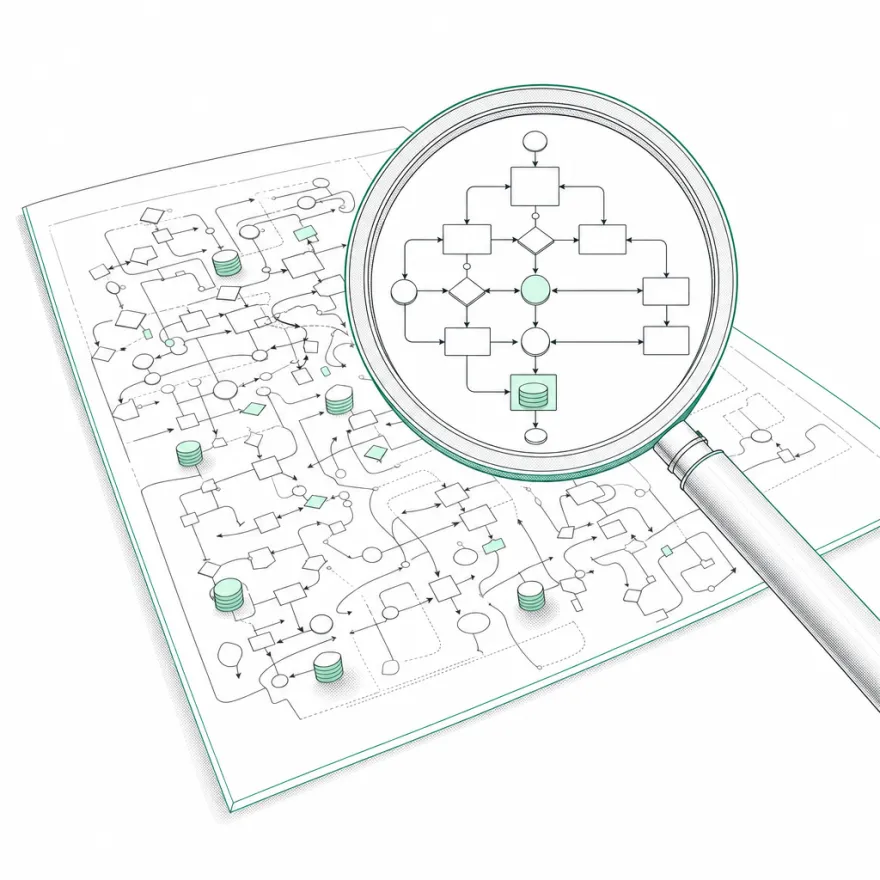
We map those handoffs from the first event to the final record. Each step gets an input, a rule, an owner, and an expected result. That reveals which steps can disappear, which can run automatically, and which need a human decision.

The finished process can use APIs, webhooks, scheduled jobs, document extraction, or AI classification. The method matters less than the operating result. Data should arrive once, move with context, and create a visible exception when it cannot continue.

Useful outcomes

Routine cases move, unusual cases stay visible

One source of truth

Keep customer, project, finance, and operations records aligned when a process crosses several tools.

Less queue checking

Trigger the next task from the actual event and notify people only when their judgement or approval is required.

Fewer silent failures

Validate important fields, record each run, and send failed cases to a named owner with the source data attached.

Delivery

A short path from process map to working system

01

Observe the current process

We map what people really do, including spreadsheets, private checklists, workarounds, and approval waits. The useful map often differs from the written procedure.

02

Remove and combine steps

Before adding software, we remove duplicate entry and unnecessary approval loops. Then we define triggers, rules, owners, and exception paths.

03

Automate with evidence

We build the flow, run sample cases, and compare results to the old baseline. Logs show volume, failures, and time through the process after launch.

Good fit

Look for work that crosses two or more systems

A good candidate repeats at least weekly and has a clear finish line. Volume helps, but delay also matters. A process that blocks revenue or customer delivery for two days may deserve attention even if it runs only twenty times a month.

We need access to the people who do the work now. They know the shortcuts, missing fields, and judgement calls that diagrams leave out. Their input helps us build a process that works on a busy Tuesday, not only in a tidy test account.

Engraved emerald-ink artwork of towering cumulus clouds over a rural horizon with power pylons
Plate 02  Fair weather Built for it

FAQ

Questions we get asked

What are business process automation services?

Business process automation services redesign and automate recurring work across people and software. The service covers process mapping, system connections, rules, data movement, approvals, exception handling, testing, and monitoring.

Which processes are best for automation?

High-volume processes with stable rules are strong candidates. Examples include lead assignment, invoice checks, client onboarding, report preparation, support routing, staff provisioning, and recurring data updates.

Do we need to replace our current tools?

Often no. We first assess the APIs, webhooks, and exports in your current stack. A replacement only makes sense when a core tool prevents reliable access, creates duplicate records, or adds more work than it removes.

How long does process automation take?

A narrow workflow can be designed and built in weeks. A process that crosses many teams or old systems takes longer because ownership, data quality, and failure paths need more work. We define the stages in the scope.

How do you measure whether automation worked?

We agree on a baseline such as staff minutes per case, response time, error rate, backlog, or completion time. After launch, run logs and operating data show whether the process improved.

Start with one workflow

Tell us what you want automated

Bring us one process that wastes time. We will map the work, find the useful automation, and tell you what it takes to build.

Book a call